
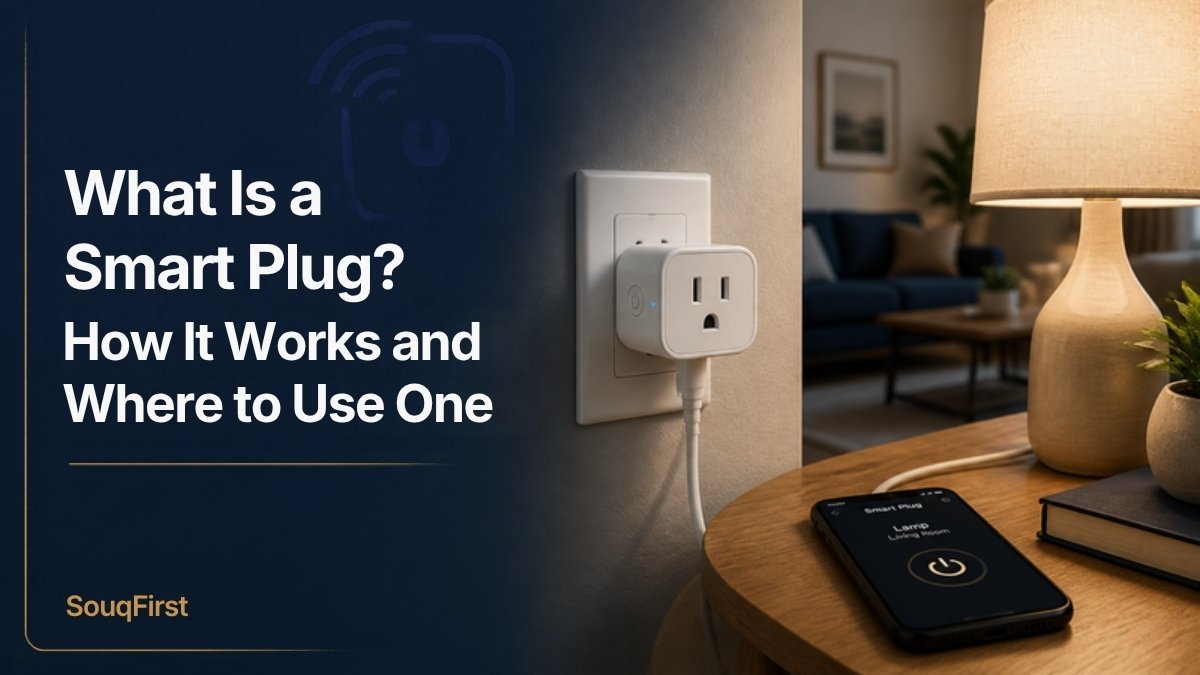
If you want to try smart home technology without rewiring anything, a smart plug is the easiest place to start. It plugs into a regular outlet, and the device you plug into it can then be turned on and off from your phone, by voice, or on a schedule.
How a smart plug works
A smart plug is a small adapter with a switch inside it. It connects to your home network, usually over Wi-Fi, and pairs with an app on your phone. When you tap “off” in the app or ask your voice assistant, the plug cuts power to whatever is plugged into it. When you tap “on,” power is restored.
Smart plugs do not make the device itself smart. They simply control power. That means they work best with devices that turn on as soon as they get power, like a lamp with its switch left on.
Practical ways to use a smart plug
- Lamps: Turn on a living room lamp before you get home or set it on a schedule while you are away.
- Holiday lights: Put indoor holiday lights on a timer so they turn on at dusk and off at bedtime. Use an outdoor-rated plug for outdoor lights.
- Coffee maker: Basic coffee makers with a simple on switch can be started remotely, as long as water and grounds are prepared the night before. Many programmable models cannot be controlled this way, so check how yours behaves when power returns.
- Fans: Turn on a fan before bed without getting up.
- Chargers and electronics: Cut standby power to a TV setup or chargers on a schedule.
Where not to use a smart plug
Always check the plug’s maximum load rating and the device manufacturer’s instructions. In general, avoid using smart plugs with:
- Space heaters and other high-power heating appliances, unless both the heater and the plug manufacturers say it is safe
- Devices that should not turn on unattended, such as irons, toasters, hair straighteners and some kitchen appliances
- Medical equipment or anything that must stay powered
- Extension cords or power strips that are overloaded
What to look for when buying
- Compatibility: Check that it works with the system you use, such as Amazon Alexa, Google Home or Apple Home. Products that support the Matter standard are designed to work across multiple ecosystems.
- Wi-Fi band: Many smart plugs only connect to 2.4 GHz Wi-Fi. Make sure your router supports it.
- Load rating: Look for the maximum amps or watts and compare it to the device you plan to plug in.
- Size: A compact design will not block the second outlet.
- Energy monitoring: Some plugs show how much electricity a device uses, which can help you spot energy hogs.
- Safety certification: Look for a recognized safety listing mark, such as UL or ETL, on the product or packaging.
- Indoor vs outdoor: Only use plugs rated for outdoor use outside.
How to set one up
- Download the manufacturer’s app and create an account.
- Plug the smart plug into an outlet near your router for the first setup.
- Follow the app’s steps to connect it to your Wi-Fi.
- Name the plug something clear, like “Living room lamp.”
- Link it to your voice assistant if you use one, then create schedules.
Frequently asked questions
Do smart plugs use electricity when off?
They use a very small amount of standby power to stay connected to your network.
Do smart plugs work without Wi-Fi?
Most Wi-Fi plugs need a network connection for app and voice control. Some keep running schedules locally; check the product details.
Can a smart plug save money?
It can help reduce standby power and lights left on by mistake. Savings depend on what you control and how you use it.
The bottom line
A smart plug is a low-cost, renter-friendly way to automate lamps, fans and simple devices. Choose one that works with your ecosystem, check the load rating, and keep it away from high-heat appliances.
Explore our Smart Home Products collection.